- Python 100%
| Filename | Latest commit message | Latest commit date |
|---|---|---|
| .github/workflows | ||
| .gitignore | ||
| generate.py | ||
| README.md | ||
| requirements.txt | ||

MinecraftOreTextureGenerator
A batch method of overlaying a set of textures onto a set of base layers
Usage
Just download the latest .zip file from the Releases page and unzip it. Once you're done, open the unzipped archive and run generate.exe once to generate the folders. You should now see two folders:
base_layers
In here, place your background layers - these need to be in .png format, but the name doesn't matter and as long as they are the same dimensions as all your other sprites (presumably 16x16 but I'm not your mom), you are good to go.
overlay_layers
Likewise to base_layers, place the layers you want overlaid onto your base layers in here - once again these need to be the same resolution as your other sprites and they need to be in .png format.
Once you've gotten all this set up done, run generate.exe again - this time you should see an out folder be generated, and within it should be all permutations of the files you wanted overlaid!
Examples:
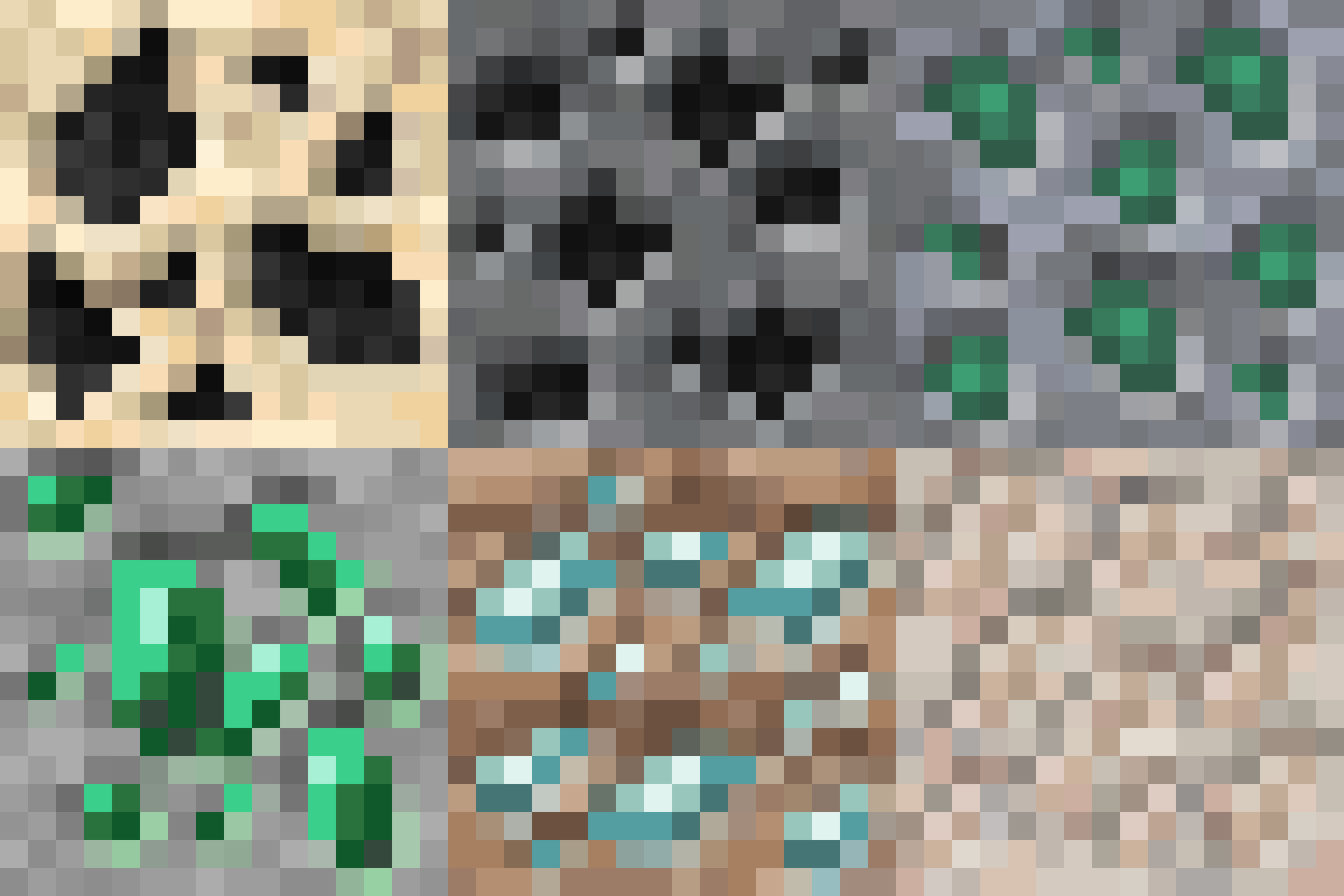
I was lazy so here, have a GIF dump of all 252 textures I generated, using each Geolosys Ore Variant as the overlay and Unearthed's Stone Variants as bases: